


 Cần trình duyệt Opera.
Ảnh chụp màn hình

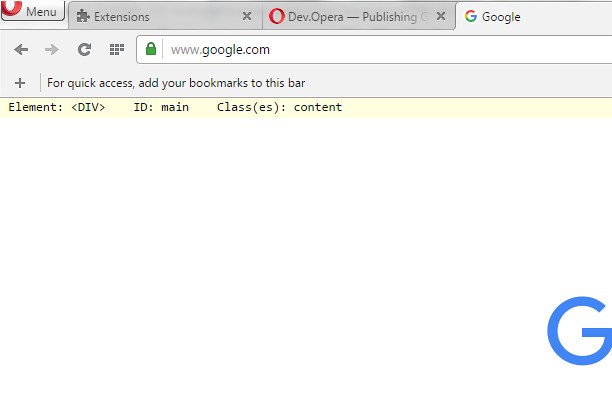

Giới thiệu về tiện ích mở rộng
- Tải xuống
- 7100
- Danh mục
- Công cụ Nhà phát triển
- Phiên bản
- 1.1
- Kích cỡ
- 8,9 KB
- Cập nhật lần cuối
- Ngày 04 tháng 5 năm 2016
- Giấy phép
- Copyright 2016 freginold
Related
-

DMARC Check
Check DMARC status for the current domain
-

Website Links Checker
This tool helps you check all links from a page you are currently viewing.
-

Web Developer
Adds a toolbar button with various web developer tools. The official port of the Web Developer extension for Firefox.
-

Web Widgetizer
Web Widgetizer is a extension offering a range of features to enhance browsing. It allows users to create separate Opera windows for specific websites, manage favorite links, customize window dimensions, toggle auto-start, and open links in popup tabs via button click or shortcut (Ctrl + Shift + A). This versatile tool optimizes browsing convenience and efficiency.
-

SeoQuake extension
SEOquake is a free plugin that provides you with key SEO metrics, along with other useful tools such as SEO Audit and many others