


 Opera tarayıcı gerekiyor.
- Bu eklenti, tüm web sitelerindeki verilerinize erişebilir.
- This Extension can read and modify bookmarks.
- Bu eklenti, sekmelerinize ve tarama etkinliklerinize erişebilir.
Ekran görüntüleri

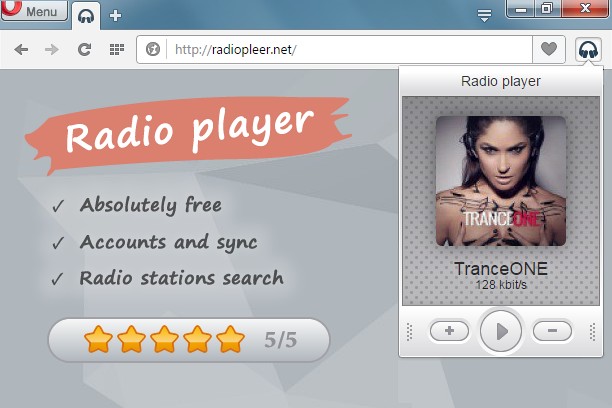

Eklentiler hakkında
- İndirmeler
- 45.787
- Kategori
- Müzik
- Sürüm
- 1.0.7
- Boyut
- 77,4 KB
- Son güncelleme
- 11 Temmuz 2016
- Lisans
- Gizlilik sözleşmesi
- Hizmet Web sitesi
- http://radiopleer.net/
- Destek sayfası
- http://radiopleer.net/feedback
Alakali
-

keygenjukebox play button
Just click to play awesome 8-bit chiptune music from keygens
-

SoundCloud Controls
Control soundcloud.com from within a toolbar panel
-

Popup Player for Spotify™
Control Spotify web player from a toolbar popup (includes play, pause, skip previous and next tracks)
-

Smooth Jazz South Florida
Listen Smooth Jazz South Florida Radio with Opera Browser.
-

Audio Only for YouTube™
Listen to audio (no video) in YouTube and all embedded videos.