Opera browser required.
Mirrors video vertically and horizontally, speeds up or slows down, rotates by 90°, and compresses video height and width — useful for correcting distorted videos on websites.
How It Works
Keyboard Shortcuts:
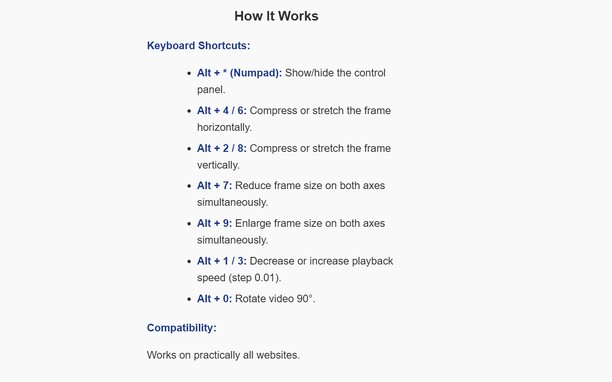
Alt + * (Numpad): Show/hide the control panel.
Alt + 4 / 6: Compress or stretch the frame horizontally.
Alt + 2 / 8: Compress or stretch the frame vertically.
Alt + 7: Reduce frame size on both axes simultaneously.
Alt + 9: Enlarge frame size on both axes simultaneously.
Alt + 1 / 3: Decrease or increase playback speed (step 0.01).
Alt + 0: Rotate video 90°.
Compatibility:
Works on practically all websites.
- This extension can access your data on all websites.
Screenshots
About the extension
- Downloads
- 23
- Category
- Productivity
- Version
- 1.0.0
- Size
- 15.7 KB
- Last update
- Jan. 13, 2026
- License
- Privacy policy
Related
-
Evernote Web Clipper
Use the Evernote extension to save things you see on the web into your Evernote account.
Rating: Total number of ratings: 636
-
Atavi bookmarks
Visual bookmarks, bookmarks sync across various browsers and absolute safety for your bookmarks
Rating: Total number of ratings: 173
-
Tab Close Plus
Tab Close Plus lets you close tabs right from the context menu.
Rating: Total number of ratings: 11
-
Surface Area of a Sphere
Computes surface area of sphere based on given radius of the sphere. Also calculates Volume.
Rating: Total number of ratings: 3
-
Browse++ Sidebar
Utilities for even more powerful web browsing. Search all open tabs, retrieve previously closed tabs, and make notes.
Rating: Total number of ratings: 24