


 Opera browser required.
- This permission allows other installed extensions and web pages to communicate with this extension.
- This extension can read and modify your browsing history.
- This extension can access your tabs and browsing activity.
Screenshot
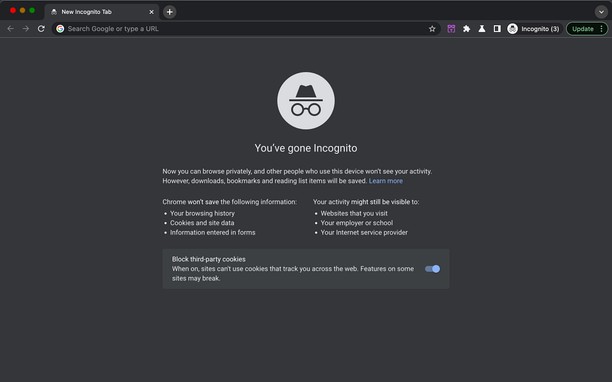
About the extension
- Downloads
- 2,064
- Category
- Productivity
- Version
- 5.2.2
- Size
- 96.3 KB
- Last update
- Oct. 8, 2026
- License
- Copyright 2026 carlosjeurissen
Related
-

Random Password Generator
Generates a random password
-

Annotating the Web
Add-on, by Mediamaster.eu, to easily add annotation functionality to any webpage
-

Boomerang for Gmail™
Allows you to schedule messages to be sent or returned at a later date.
-

Logic Circuit Diagram
An extension for your browser Opera to build your diagram logic circuit
-

Evernote Web Clipper
Use the Evernote extension to save things you see on the web into your Evernote account.