


 Cần trình duyệt Opera.
- Tiện ích mở rộng này có thể truy cập dữ liệu của bạn trên tất cả các trang web.
Ảnh chụp màn hình

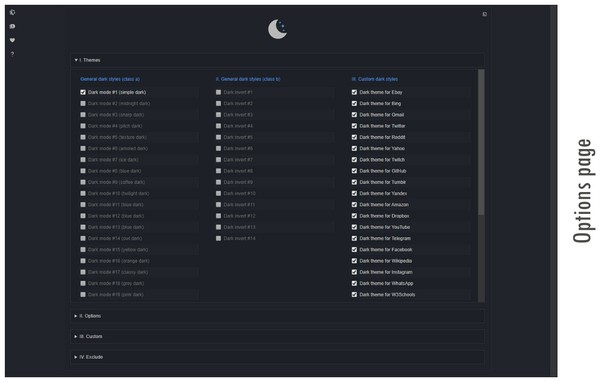
Giới thiệu về tiện ích mở rộng
- Tải xuống
- 2020255
- Danh mục
- Hình thức
- Phiên bản
- 0.5.8.1
- Kích cỡ
- 304,3 KB
- Cập nhật lần cuối
- Ngày 24 tháng 9 năm 2026
- Giấy phép
- Copyright 2026 dlinbernard
- Trang hỗ trợ
- https://mybrowseraddon.com/dark-mode.html
Related
-

Material Design for Rizzoma
A fresh coat of paint for Rizzoma, inspired by Material Design.
-

Website Theme Sync
Keeps the web page color theme settings in sync with system color theme.
-

Colorea tu Facebook
Ponle color a tu facebook,aqui tienes disponible miles de plantillas para que puedas cambiar el diseño de tu facebook
-

Dark Theme for Twitter
Turn dark theme for Twitter on and off the easy way
-

Auto Dark Theme for Feedly
Make Feedly automatically match your system's dark/light theme.