


 Kailangan ang browser ng Opera.
- Ma-a-access ng extension na ito ang iyong data sa lahat ng website.
- Ma-a-access ng extension na ito ang aktibidad ng iyong mga tab at pagba-browse.
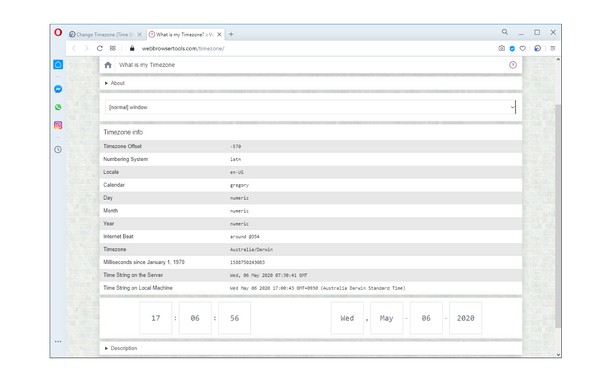
Mga screenshot

Tungkol sa extension
- Mga download
- 17946
- Kategorya
- Pagkapribado at Seguridad
- Bersyon
- 0.1.6
- Laki
- 43.2 KB
- Last update
- Dec. 14, 2022
- Lisensya
- Copyright 2022 ilgur1132
- Pahina ng suporta
- https://mybrowseraddon.com/change-timezone.html
Related
-

uBlock Origin
Finally, an efficient blocker. Easy on CPU and memory.
-

Zoom Redirector
Zoom Redirector transparently redirects any meeting links to use Zoom's browser based web client.
-

Rosa Check
Quickly lookup scammer information with various trigger methods
-

PfP: Pain-free Passwords
A simple and secure password manager to be used with KeePass databases.
-

LastPass
LastPass is an award-winning password manager for secure credential management on any device.