


 จำเป็นต้องมี เบราเซอร์ Opera
สกรีนช็อต

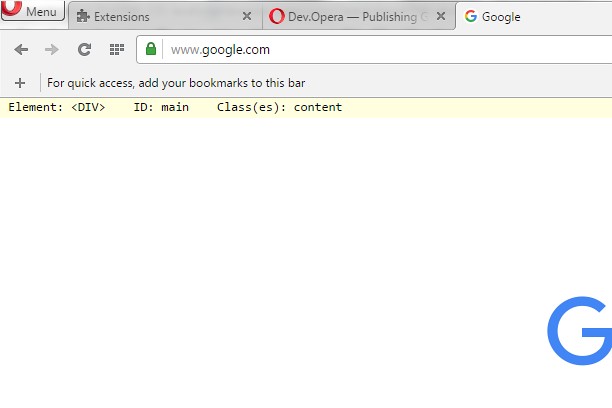

เกี่ยวกับส่วนขยาย
- ดาวน์โหลด
- 7,148
- หมวดหมู่
- Developer Tools
- เวอร์ชัน
- 1.1
- ขนาด
- 8.9 KB
- Last update
- 4 พฤษภาคม 2016
- ใบอนุญาต
- Copyright 2016 freginold
Related
-

Web Developer
Adds a toolbar button with various web developer tools. The official port of the Web Developer extension for Firefox.
-

Webmaster menu
Adds new items to browser context menu that open various analyzes of browsed web pages and sites.
-

Web Widgetizer
Web Widgetizer is a extension offering a range of features to enhance browsing. It allows users to create separate Opera windows for specific websites, manage favorite links, customize window dimensions, toggle auto-start, and open links in popup tabs via button click or shortcut (Ctrl + Shift + A). This versatile tool optimizes browsing convenience and efficiency.
-

NoFollow
Outline nofollow links, detect nofollow and noindex meta tags on webpages. Features website filtering and custom CSS outline styles.
-

PageSpeed Insights
This will take the URL of the current tab and send it to PageSpeed Insights for a web performance analysis.