


 จำเป็นต้องมี เบราเซอร์ Opera
- ส่วนขยายนี้สามารถเข้าถึงข้อมูลของคุณในเว็บไซต์ทั้งหมด
- ส่วนขยายนี้สามารถเข้าถึงแท็บและกิจกรรมการท่องเว็บของคุณ
สกรีนช็อต
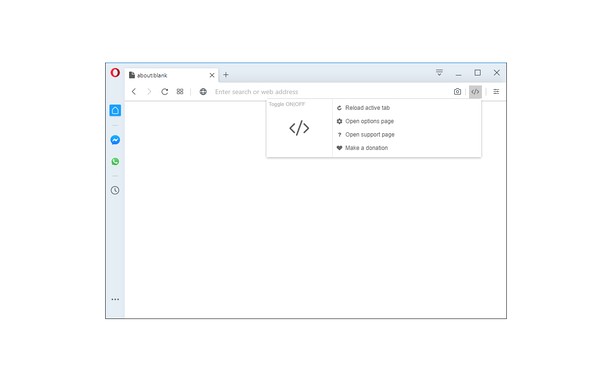

เกี่ยวกับส่วนขยาย
- ดาวน์โหลด
- 32,292
- หมวดหมู่
- Developer Tools
- เวอร์ชัน
- 0.1.4
- ขนาด
- 41.5 KB
- Last update
- 28 พฤศจิกายน 2022
- ใบอนุญาต
- Copyright 2020 milenmonrov
- หน้าการสนับสนุน
- https://mybrowseraddon.com/custom-style-script.html
Related
-

BuiltWith Technology Profiler
Find out what the website you are visiting is built with using this extension.
-

Web Widgetizer
Web Widgetizer is a extension offering a range of features to enhance browsing. It allows users to create separate Opera windows for specific websites, manage favorite links, customize window dimensions, toggle auto-start, and open links in popup tabs via button click or shortcut (Ctrl + Shift + A). This versatile tool optimizes browsing convenience and efficiency.
-

Web Developer
Adds a toolbar button with various web developer tools. The official port of the Web Developer extension for Firefox.
-

Web Edit
แก้ไขเว็บไซต์ชั่วคราวได้อย่างง่ายดายเพียงคลิกปุ่ม
-

Right Click Validator
Right click on any webpage to validate it using the W3 NUValidator service.