


 Opera ブラウザ が必要です。
スクリーンショット

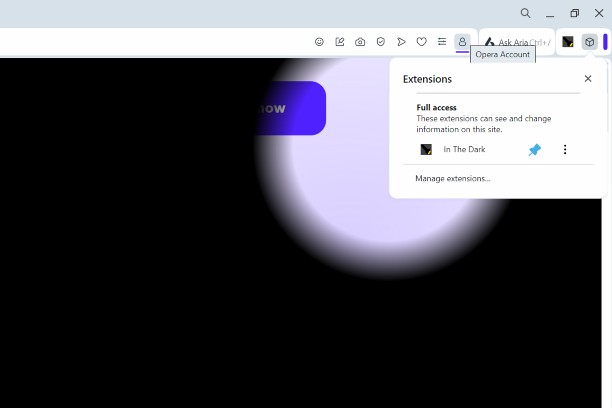
拡張機能について
- ダウンロード数
- 3998
- カテゴリ
- 外観・表示
- バージョン
- 1.4.1
- サイズ
- 12.5 KB
- Last update
- 2025年5月21日
- ライセンス
- Copyright 2025 a869c675-516a-4870-a8d1-dc2c784216f3
Related
-

Ambivid player for Youtube™
Creates lights effects around Youtube's video player corresponding to the video content
-

BEST COFFEE MAKES
I’ve compiled a list of Best manual coffee grinders 2022 for helping you making decision
-

Slim Scroll bar
Modern & slim looks for browser scroll bars!
-

Dark Mode
A global dark theme for the web.
-

Beautiful Hieroglyphs
Replace wikihiero images with beautiful alternatives.