


 È richiesto il browser Opera.
Screenshot

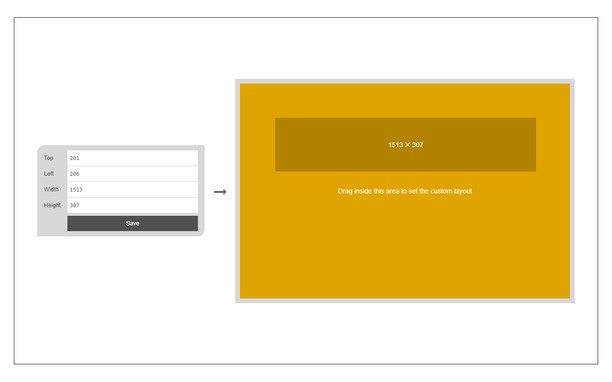
Informazioni sull'estensione
- Scaricamenti
- 20.986
- Categoria
- Produttività
- Versione
- 0.1.6
- Dimensione
- 45,4 KB
- Ultimo aggiornamento
- 31 Marzo 2023
- Licenza
- Copyright 2023 kelvinbarko
- Pagina di supporto
- https://mybrowseraddon.com/window-resizer.html
Correlati
-

Evernote Web Clipper
Usa l'estensione Evernote per salvare le cose che vedi sul Web nel tuo account Evernote.
-

Circle 阅读模式
Make webpages pleasing to the eye and return reading to the original intention
-

Boomerang for Gmail™
Allows you to schedule messages to be sent or returned at a later date.
-

PopUpOFF - Popup and overlay blocker
Removes and prevents popups, overlays and cookie notifications, other tools do not. Enjoy the original look of the internet.
-

Snip Shot
Snip Shot is a user-friendly browser extension that simplifies the process of taking screenshots. With its one-click operation and intuitive user interface, users can quickly and easily capture any part of their screen and save it as an image. Snip Shot's minimalist design makes it a seamless addition to any browser, while its efficiency and usability make it the perfect tool for anyone who needs to take screenshots regularly.