


 È richiesto il browser Opera.
- This permission allows other installed extensions and web pages to communicate with this extension.
Screenshot
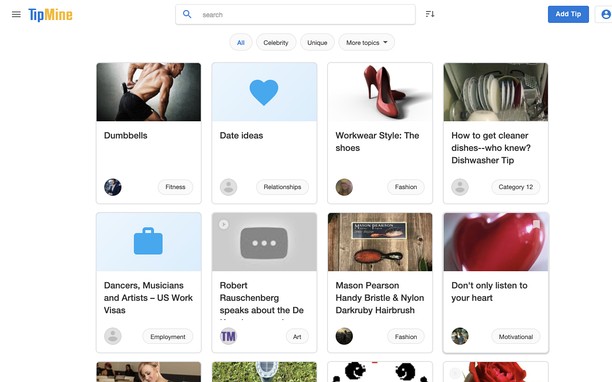
Informazioni sull'estensione
- Scaricamenti
- 1.413
- Categoria
- Produttività
- Versione
- 1.7.0
- Dimensione
- 18,4 KB
- Ultimo aggiornamento
- 18 Maggio 2026
- Licenza
- Copyright 2026 carlosjeurissen
- Politica di Privacy
- Sito web del servizio
- https://www.tipmine.com/extension
- Pagina di supporto
- https://www.tipmine.com/extension
Correlati
-

TextGlow – Stylish Font & Text Generator
Convert text into 30+ stylish Unicode fonts instantly. Perfect for Instagram, gaming, WhatsApp & social media. Copy anywhere!
-

Qiita Rainbow Header
Change the color of the Qiita article headers.
-

Hima Email Signature
Now you can install your email signature easily and quickly in Outlook Office 365, Google Inbox, Outlook.com, Gmail, Yahoo
-

Evernote Web Clipper
Usa l'estensione Evernote per salvare le cose che vedi sul Web nel tuo account Evernote.
-

Boomerang for Gmail™
Allows you to schedule messages to be sent or returned at a later date.