


 Opera böngésző szükséges.
- Ez a kiegészítő hozzáfér az adatához az összes webhelyen.
Képernyőképek

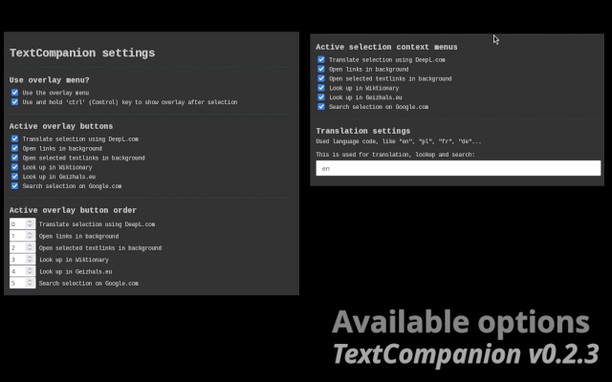
A kiegészítőről
- Letöltések
- 1 791
- Kategória
- Keresés
- Verzió
- 0.2.3
- Méret
- 49,5 KB
- Last update
- 2025. március 10.
- Licenc
- Adatvédelmi leírás
- Támogatási lap
- https://github.com/jrie/textcompanion/issues
- Forráskód lapja
- https://github.com/jrie/textcompanion
Kapcsolódó
-

Power Thesaurus
Use the power of synonyms by button in toolbar, right-click or by word selection on any page.
-

Flag Plus
Shows country flag based on the server location for any website
-

TinEye Reverse Image Search
This is the official TinEye Opera extension. Find out where an image came from, how it's used, or find higher resolution versions.
-

Fast Find
Quick Find features. Search results in one location. Navigate to links in just a few keystrokes.
-

Trufflepiggy - Context Search
The context search for all of us: quick, easy & fully customizable. Perfect for translations, price comparisons, image searches,…