


 נדרש דפדפן Opera.
- הרחבה זו יכולה לגשת למידע שלך בכל אתרי האינטרנט.
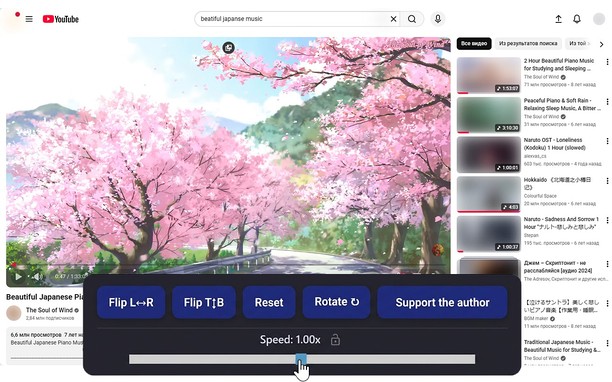
צילום מסך
אודות ההרחבה
- הורדות
- 14215
- קטגוריה
- פרודוקטיביות
- גרסה
- 1.5.0
- גודל
- 66.0 ק"ב
- Last update
- 20 באפריל 2026
- רשיון
- מדיניות פרטיות
Related
-

WebCull Bookmark Manager
WebCull is a cloud-based, privacy-focused, ad-free bookmark manager. It boasts an elegant design with a highly sophisticated user interface, specially crafted for the purpose of managing and accessing links fast and effectively.
-

APR to APY
Convert Annual Percent Rate to Annual Percent Yield based on various compounding methods ranging from daily to yearly
-

Evernote Web Clipper
Use the Evernote extension to save things you see on the web into your Evernote account.
-

VSCO Profile Picture Downloader
Downloads VSCO™ Profile Picture For You
-

Atavi bookmarks
Visual bookmarks, bookmarks sync across various browsers and absolute safety for your bookmarks