


 נדרש דפדפן Opera.
- הרחבה זו יכולה לגשת למידע שלך בכל אתרי האינטרנט.
- הרחבה זו יכולה לגשת ללשוניות ולפעילות הגלישה שלך.
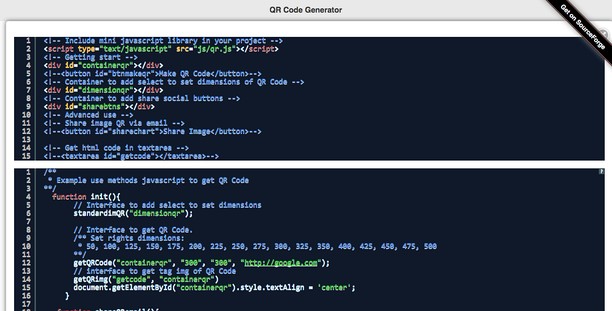
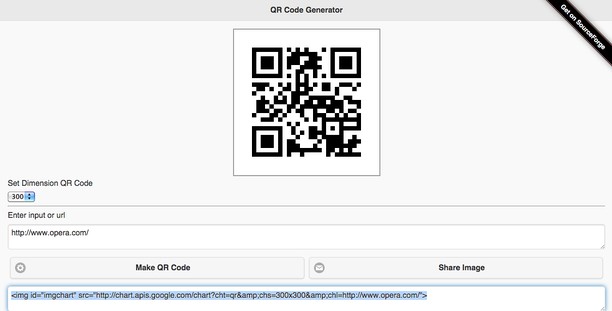
צילומי מסך

אודות ההרחבה
- הורדות
- 19395
- קטגוריה
- Developer Tools
- גרסה
- 1.6.1
- גודל
- 203.5 ק"ב
- Last update
- 19 במאי 2025
- רשיון
- אתר שירות
- https://www.mediamaster.eu/contatti/
- דף תמיכה
- https://ulmdevice.altervista.org/qrcode-js/
Related
-

retire.js
Finds the JavaScript libraries a page uses and their known vulnerabilities (CVE, GHSA), with an always up-to-date database.
-

WordPress Theme and Plugins Detector
This tool detects theme and plugins used on WordPress sites and displays information about them.
-

Extension Auditor
Browser Extension Security & Privacy Analyzer
-

Web Developer
Adds a toolbar button with various web developer tools. The official port of the Web Developer extension for Firefox.
-

Web Widgetizer
Web Widgetizer is a extension offering a range of features to enhance browsing. It allows users to create separate Opera windows for specific websites, manage favorite links, customize window dimensions, toggle auto-start, and open links in popup tabs via button click or shortcut (Ctrl + Shift + A). This versatile tool optimizes browsing convenience and efficiency.