


 Feumar brabhsair Opera.
- Gheibh an leudachadh seo cothrom air do chuid dàta air cuid a làraichean-lìn.
Glacaidhean-sgrìn
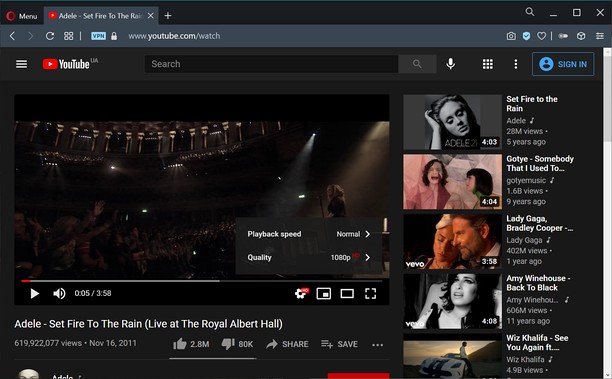
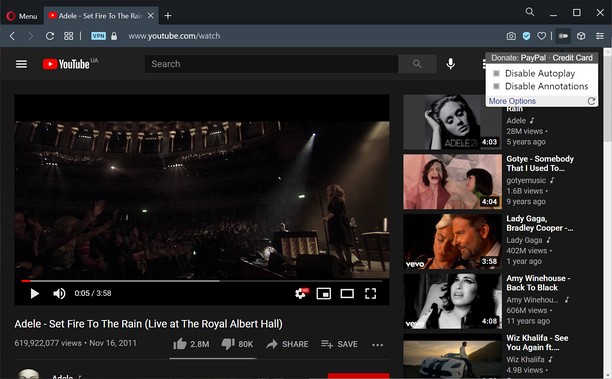
Mun leudachan
- Na chaidh a luchdadh a-nuas
- 2200
- Roinn-seòrsa
- Coileanadh
- Tionndadh
- 1.0.8
- Meud
- 11.3 KB
- Last update
- 20 Am Faoilleach 2023
- Ceadachas
- Poileasaidh Prìobhaideachd
- Làrach-lìn seirbheise
- https://unhook.app/
Related
-

Undo Closed Tabs Button
Easily undo closed tabs via your browser's toolbar popup!
-

Evernote Web Clipper
Use the Evernote extension to save things you see on the web into your Evernote account.
-

Atavi bookmarks
Visual bookmarks, bookmarks sync across various browsers and absolute safety for your bookmarks
-

Workplace Status
Shows your Workplace status (Messages and Notifications) on a toolbar. No need to keep site open all the time.
-

What day is it?
Show today's day. Simple! Additionally shows calendar to determine day of any other date