


 Le navigateur Opera est nécessaire.
Copies d'écran

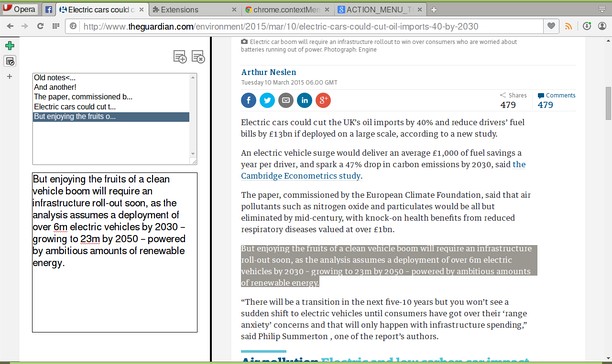
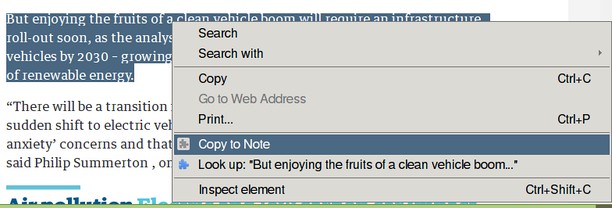
À propos de l'extension
- Téléchargements
- 88 675
- Catégorie
- Productivité
- Version
- 1.1.4.1
- Taille
- 9,3 Kio
- Dernière mise à jour
- 26 octobre 2017
- Licence
- Page du code source
- https://github.com/coreymwamba/old-opera-notes
Similaires
-

Boomerang for Gmail™
Allows you to schedule messages to be sent or returned at a later date.
-

Dólar Hoje
Acompanhe a cotação do Dólar em tempo real. Valor do Dólar Americano sempre atualizado para você!
-

SourceTraq: Git Repo Review Metrics
SourceTraq is your go-to tool for analyzing pull request trends, activities, and commit histories across multiple code repositories.
-

Google Forms Auto Filler
Automatically fills google forms.
-

Evernote Web Clipper
Utilisez l’extension Evernote pour enregistrer ce que vous voyez sur le Web dans votre compte Evernote.