


 Opera browser required.
Screenshots

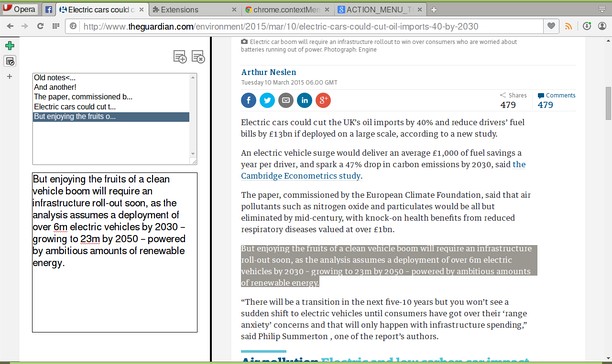
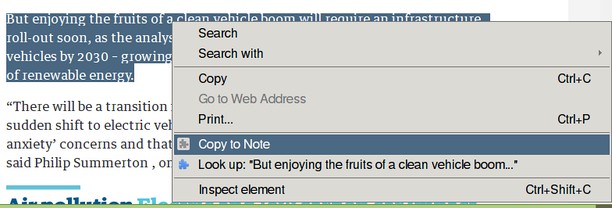
About the extension
- Downloads
- 88,632
- Category
- Productivity
- Version
- 1.1.4.1
- Size
- 9.3 KB
- Last update
- Oct. 26, 2017
- License
- Source code page
- https://github.com/coreymwamba/old-opera-notes
Related
-

Atavi bookmarks
Visual bookmarks, bookmarks sync across various browsers and absolute safety for your bookmarks
-

PayPanther
All-in-one business management software.
-

Open in Yandex browser
Open current page, link, or all tabs in the Yandex browser.
-

Evernote Web Clipper
Use the Evernote extension to save things you see on the web into your Evernote account.
-

Free Online Image Resizer
Free Online Image Resizer is a lightweight browser extension that allows you to quickly resize images without leaving your browser. With an elegant, user-friendly interface, you can adjust image dimensions with just a few clicks and download the resized images instantly. Perfect for social media posts, web graphics, or any situation where you need to quickly adjust image sizes.