


 Opera browser required.
- This permission allows other installed extensions and web pages to communicate with this extension.
Screenshot
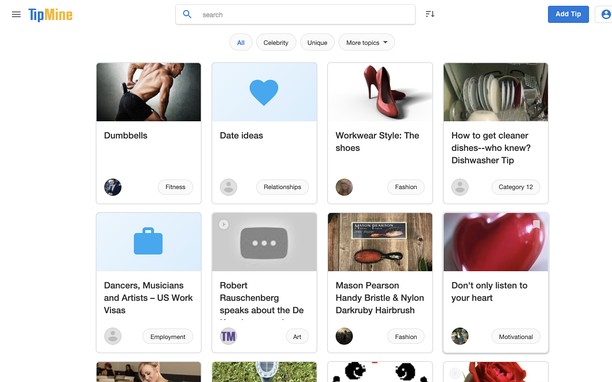
About the extension
- Downloads
- 1,485
- Category
- Productivity
- Version
- 1.7.0
- Size
- 18.4 KB
- Last update
- May 18, 2026
- License
- Copyright 2026 carlosjeurissen
- Privacy policy
- Service website
- https://www.tipmine.com/extension
- Support page
- https://www.tipmine.com/extension
Related
-

Boomerang for Gmail™
Allows you to schedule messages to be sent or returned at a later date.
-

MoreGestures
Mouse gestures for links and the mousewheel.
-

Print Selection to PDF
Select a text and print it to PDF with mouse right-click
-

Testing Toolkit
Testing Toolkit is a lightweight, multi-tool browser extension that lets you inspect and switch User-Agent strings, capture and annotate screens, throttle network presets, and quickly encode/decode Base64—all from one polished popup.
-

Evernote Web Clipper
Use the Evernote extension to save things you see on the web into your Evernote account.