Se requiere el navegador Opera.
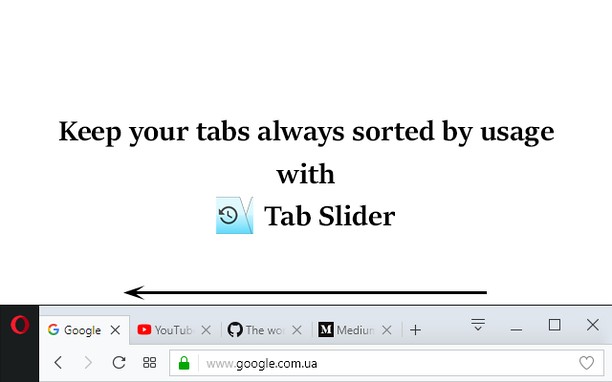
This extension keeps browser tabs sorted in most recently used order (MRU), from left to right, just like a list of apps is organized on desktop OSes (while holding Alt+Tab). Tab Slider brings this behavior to Opera for your convenience. Try it!
For this extension to function naturally, disable the "Cycle tabs in most recently used order" Opera setting.
How it works:
+ If you stay on tab more than 1 second (default), it will "slide" to the leftmost position;
+ In this way, most recently used tabs always stay left-to-right ordered;
+ Because of the order, naturally, when switching tabs with Ctrl+Tab, the browser will switch to the next most recently used tab;
+ Pinned tabs will slide to the opposite side, from left to right. This behavior is intended, enabling you to conveniently switch between most recently used pinned tabs and most recently used normal tabs with keyboard shortcuts (Ctrl+Shift+Tab switches to most recently used pinned tab, and Ctrl+Tab switches back to most recently used normal tab).
+ You can customize reordering delay in extension's settings;
+ New active tabs appear left immediately.
Once you understand this concept, you will find such reordering of tabs absolutely natural and logical.
- Esta extensión puede acceder a tus pestañas y tu actividad de navegación.
Capturas de pantalla
Sobre la extensión
- Descargas
- 5 770
- Categoría
- Productividad
- Versión
- 1.7
- Tamaño
- 12,8 KB
- Última actualización
- 3 de enero de 2018
- Licencia
- Política de privacidad
- Página de soporte
- https://github.com/ZitRos/tab-slider/issues
- Página de código fuente
- https://github.com/ZitRos/tab-slider
Relacionados
-
Edit with VIM text editor
Edit an HTML element and all its child nodes in VIM text editor with real-time updates
Puntuación: Número total de puntuaciones: 2
-
prune
An extension to help you trim your garden of tabs.
Puntuación: Número total de puntuaciones: 2
-
Atavi bookmarks
La sincronización de marcadores entre todos sus ordenadores, navegadores y dispositivos
Puntuación: Número total de puntuaciones: 172
-
Evernote Web Clipper
Utilice la extensión de Evernote para almacenar contenido de la Web en su cuenta.
Puntuación: Número total de puntuaciones: 633
-
Auto Tab Discard
Aumenta la velocidad del navegador y reduce el consumo de memoria cuando tengas numerosas pestañas abiertas.
Puntuación: Número total de puntuaciones: 17