


 Opera browser required.
- This extension can access your data on some websites.
Screenshots
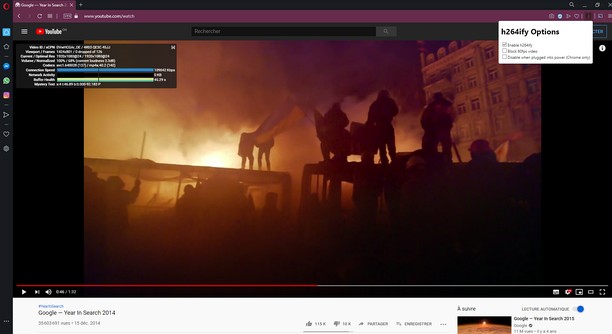
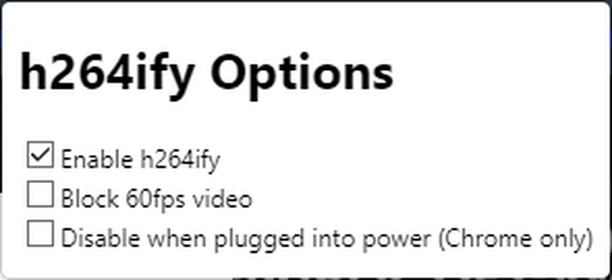

About the extension
- Downloads
- 143,483
- Category
- Productivity
- Version
- 1.1.0
- Size
- 26.5 KB
- Last update
- May 5, 2020
- License
- Service website
- https://github.com/erkserkserks/h264ify
- Support page
- https://github.com/erkserkserks/h264ify
- Source code page
- https://github.com/erkserkserks/h264ify
Related
-

Focus in Read
It helps you focus on the text and read faster by showing it one word at a time at the selected speed.
-

Open in PDF Viewer
Easily open desired links in a PDF viewer.
-

Evernote Web Clipper
Use the Evernote extension to save things you see on the web into your Evernote account.
-

iFrame - Link Viewer
Preview any link and search any text in a popup iFrame
-

Boomerang for Gmail™
Allows you to schedule messages to be sent or returned at a later date.