Opera-Browser erforderlich.
Mirrors video vertically and horizontally, speeds up or slows down, rotates by 90°, and compresses video height and width — useful for correcting distorted videos on websites.
How It Works
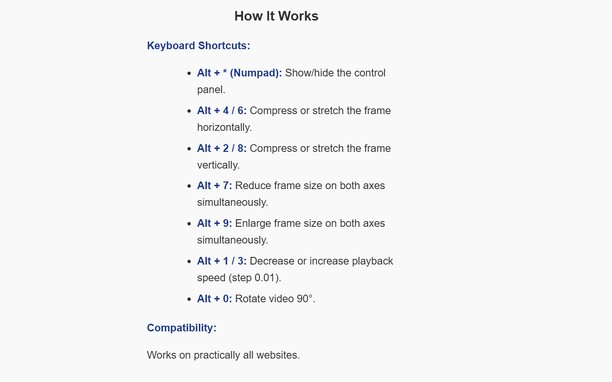
Keyboard Shortcuts:
Alt + * (Numpad): Show/hide the control panel.
Alt + 4/ 6(Numpad) Compress or stretch the frame horizontally.
Alt + 2/ 8(Numpad): Compress or stretch the frame vertically.
Alt + 5(Numpad) Reset all settings
Alt + 7(Numpad): Reduce frame size on both axes simultaneously.
Alt + 9(Numpad): Enlarge frame size on both axes simultaneously.
Alt + 1 / 3(Numpad): Decrease or increase playback speed (step 0.01).
Alt + 0(Numpad): Rotate video 90°.
Compatibility:
Works on practically all websites.
- Diese Erweiterung kann auf Ihre Daten auf allen Webseiten zugreifen.
Bildschirmfotos
Über die Erweiterung
- Downloads
- 317
- Kategorie
- Produktivität
- Version
- 1.2.0
- Größe
- 26,8 KB
- Letztes Update
- 20. Januar 2026
- Lizenz
- Datenschutzerklärung
Ähnliche
-
Page Screenshot
Take a screenshot from the entire website with just one click!
Bewertung: Gesamte Bewertungen: 48
-
Hotellook.com - compare hotel prices
compare prices sourced from more than 30 booking websites
Bewertung: Gesamte Bewertungen: 1
-
Atavi bookmarks
Synchronisation von Lesezeichen mit alle Geräten und Browsers
Bewertung: Gesamte Bewertungen: 173
-
Evernote Web Clipper
Verwende die Evernote-Erweiterung, um Dinge, die du online entdeckst, in deinem Evernote-Konto zu speichern.
Bewertung: Gesamte Bewertungen: 635
-
Web Panel
Navigate to websites in the sidebar.
Bewertung: Gesamte Bewertungen: 105