


 Opera-Browser erforderlich.
- Diese Erweiterung kann auf Ihre Daten auf allen Webseiten zugreifen.
Bildschirmfoto
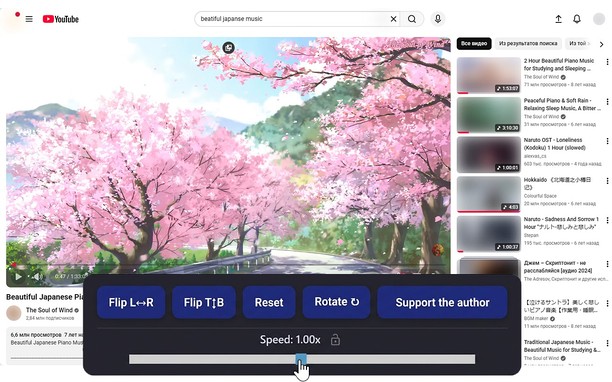
Über die Erweiterung
- Downloads
- 14.507
- Kategorie
- Produktivität
- Version
- 1.5.0
- Größe
- 66,0 KB
- Letztes Update
- 20. April 2026
- Lizenz
- Datenschutzerklärung
Ähnliche
-

DuckDuckGo Search & Tracker Protection
Schützt deine Daten. Private Suche mit optionaler KI, privates Browsen und Werbeblocker.
-

Evernote Web Clipper
Verwende die Evernote-Erweiterung, um Dinge, die du online entdeckst, in deinem Evernote-Konto zu speichern.
-

Atavi bookmarks
Synchronisation von Lesezeichen mit alle Geräten und Browsers
-

Email Client for Notmuch
a powerful IMAP and POP3 email client based on notmuch indexing engine
-

Alura Auto
Extensão de navegador para automatizar e facilitar assistir as aulas na plataforma Alura Cursos