


 Opera-Browser erforderlich.
- Diese Erweiterung kann auf Ihre Daten auf allen Webseiten zugreifen.
Bildschirmfoto
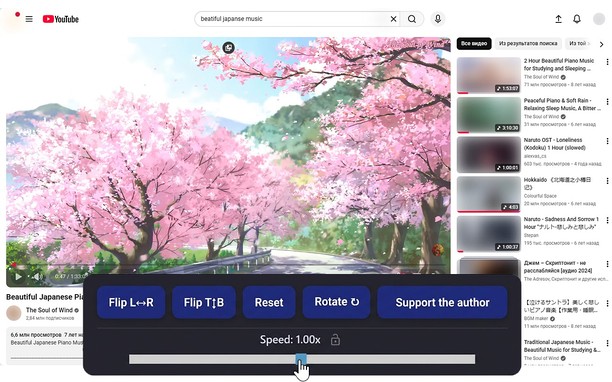
Über die Erweiterung
- Downloads
- 14.509
- Kategorie
- Produktivität
- Version
- 1.5.0
- Größe
- 66,0 KB
- Letztes Update
- 20. April 2026
- Lizenz
- Datenschutzerklärung
Ähnliche
-

ManySmile — Emoji Search & Copy
Search any emoji by a word in 34 languages and copy it with one click. Fast, free, no sign-up, no ads, no tracking.
-

Atavi bookmarks
Synchronisation von Lesezeichen mit alle Geräten und Browsers
-

Notepad
A simple yet powerful notepad with HTML5 support and more
-

Speed-Up Browsing
Speeds up browsing over the time, by adding missing Cache-Control response headers.
-

Evernote Web Clipper
Verwende die Evernote-Erweiterung, um Dinge, die du online entdeckst, in deinem Evernote-Konto zu speichern.