


 Opera-Browser erforderlich.
- This extension can write data into the clipboard.
- Diese Erweiterung kann auf Ihre Tabs und Browseraktivitäten zugreifen.
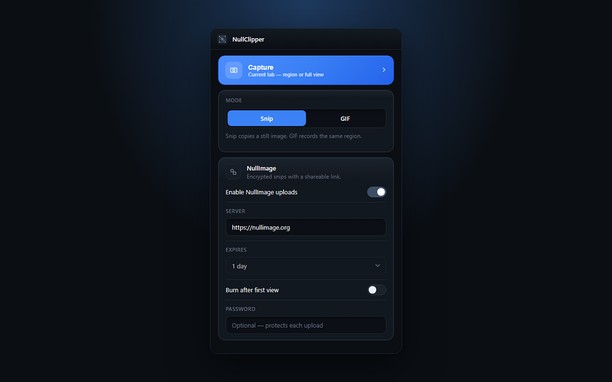
Bildschirmfotos


Über die Erweiterung
- Downloads
- 30
- Kategorie
- Produktivität
- Version
- 1.0.0
- Größe
- 148,0 KB
- Letztes Update
- 22. September 2026
- Lizenz
- Datenschutzerklärung
- Website des Diensts
- https://nullimage.org/nullclipper
- Supportseite
- https://github.com/fleames/NullClipper/issues
- Quellcode-Seite
- https://github.com/fleames/NullClipper
Ähnliche
-

GeoKW
Zaznacz lub wpisz numer KW, aby uzyskać informacje o działkach w tej księdze.
-

Evernote Web Clipper
Verwende die Evernote-Erweiterung, um Dinge, die du online entdeckst, in deinem Evernote-Konto zu speichern.
-

Boomerang for Gmail™
Allows you to schedule messages to be sent or returned at a later date.
-

Gmail™ Panel (and Notifier)
Easy access to Gmail via toolbar-popup UI, plus, get badge notifications.
-

Emoji
It permits just with a single click to copy an emoji.