


 Je vyžadován prohlížeč Opera.
Snímky obrazovky

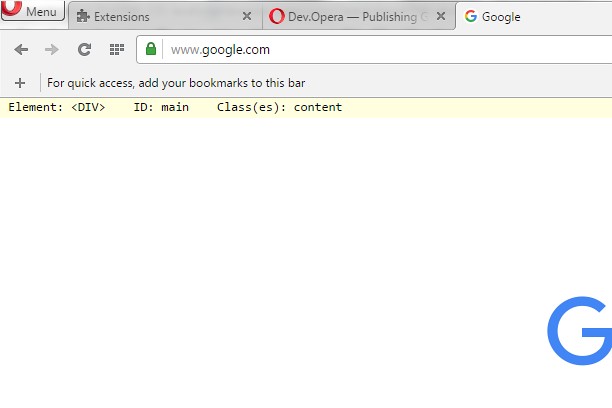

O rozšíření
- Stahování
- 7 127
- Kategorie
- Developer Tools
- Verze
- 1.1
- Velikost
- 8,9 KB
- Last update
- 4. května 2016
- Licence
- Copyright 2016 freginold
Related
-

Web Developer
Adds a toolbar button with various web developer tools. The official port of the Web Developer extension for Firefox.
-

Sheets2JSON - Convert Google Sheets
Convert public Google Sheets into clean JSON or CSV. Sheet2JSON is a lightweight extractor that reads Google Sheets and outputs structured data formats that are ready to use in websites, apps, and scripts.
-

Open in Vivaldi
Open current page, link, or all tabs in the Vivaldi browser.
-

Gridify - Keyboard Link Selector
Select any link, image, input box, or a selectable region on the current page without using the mouse just by a few keyboard hits
-

Web Widgetizer
Web Widgetizer is a extension offering a range of features to enhance browsing. It allows users to create separate Opera windows for specific websites, manage favorite links, customize window dimensions, toggle auto-start, and open links in popup tabs via button click or shortcut (Ctrl + Shift + A). This versatile tool optimizes browsing convenience and efficiency.