


 Je vyžadován prohlížeč Opera.
- Toto rozšíření může přistupovat k vašim datům na všech webech.
- Toto rozšíření může přistupovat k vašim listům a aktivitám při prohlížení.
Snímky obrazovky
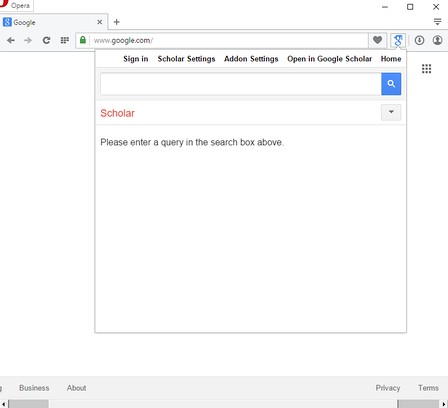
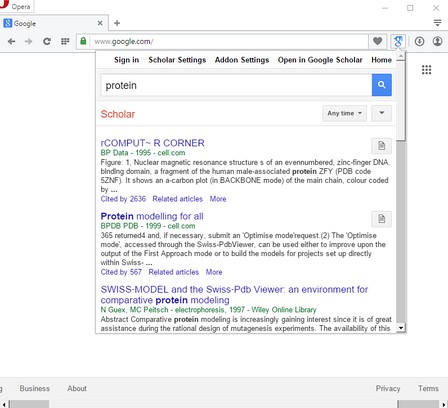
O rozšíření
- Stahování
- 31 200
- Kategorie
- Hledat
- Verze
- 0.1.3
- Velikost
- 42,5 KB
- Last update
- 16. srpna 2017
- Licence
- Copyright 2017 moristong
- Stránka podpory
- http://mybrowseraddon.com/google-scholar.html
Related
-

TinEye Reverse Image Search
This is the official TinEye Opera extension. Find out where an image came from, how it's used, or find higher resolution versions.
-
ČSFD vyhladávač
Pridá možnosť vyhľadať označený text cez CSFD.cz
-

Kies Groener: Duurzaam Leven Tips, Blogs, etc.
Jouw gids voor duurzaam leven - het laatste nieuws van de blog, duurzamere producten en vacatures.
-

Search Engine Result Counter
Adds a counter to search Engine Results to see the rank and to clearly distinguish results from adds. Supports Google, Bing, DuckDuckGo, Startpage, Yahoo and Yandex
-

prevweb
Open previous versions of a web page from the Wayback Machine or Google Cache, using a context menu on links.
