


 متصفح Opera مطلوب.
لقطات الشاشة

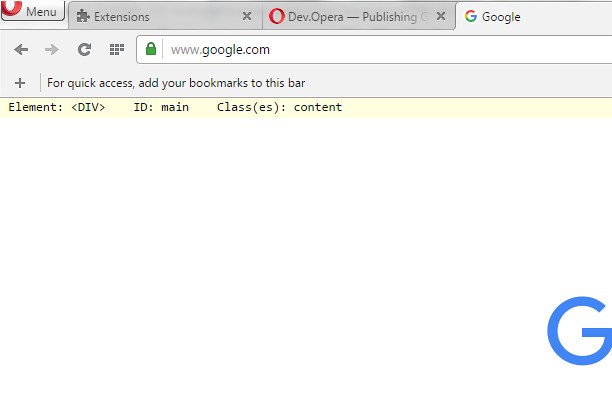

حول الملحق
- عمليات التحميل
- 7065
- الفئة
- أدوات المطور
- الإصدار
- 1.1
- الحجم
- 8,9 ك.ب
- آخر تحديث
- 4 مايو، 2016
- الترخيص
- Copyright 2016 freginold
Related
-

Check Wordpress Version
WordPress Vulnerability Scanner - Scan for vulnerabilities, version, themes, plugins and much more!
-

Hex Calculator
Perform quick and accurate hexadecimal calculations — addition, subtraction, multiplication, and division with remainder — directly in your Opera browser.
-

Web Developer
Adds a toolbar button with various web developer tools. The official port of the Web Developer extension for Firefox.
-

Web Widgetizer
Web Widgetizer is a extension offering a range of features to enhance browsing. It allows users to create separate Opera windows for specific websites, manage favorite links, customize window dimensions, toggle auto-start, and open links in popup tabs via button click or shortcut (Ctrl + Shift + A). This versatile tool optimizes browsing convenience and efficiency.
-

Design Mode
Edit any page's content by switching to design mode, where you can modify the content and drag images around like a Word Editor