


 需要 Opera 瀏覽器。
- 這個延伸套件能存取你所有網站的資料。
- This Extension can read and modify bookmarks.
- 這個延伸套件能存取你的頁籤與瀏覽活動。
螢幕截圖

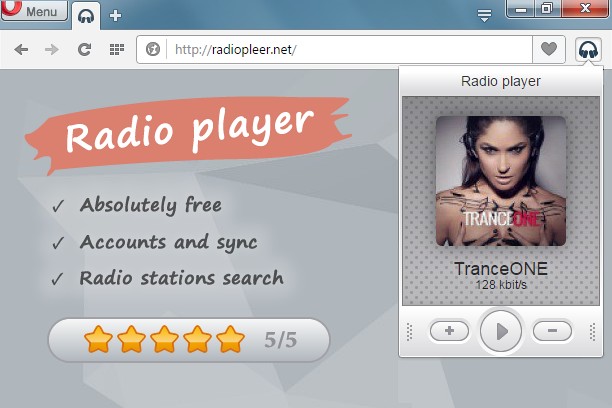

關於延伸套件
- 下載次數
- 45727
- 分類
- 音樂
- 版本
- 1.0.7
- 大小
- 77.4 KB
- Last update
- July 11, 2016
- 使用者授權條款
- 隱私權政策
- 提供服務的網站
- http://radiopleer.net/
- 支援網頁
- http://radiopleer.net/feedback
Related
-

Smooth Jazz South Florida
Listen Smooth Jazz South Florida Radio with Opera Browser.
-

SoundCloud Controls
Control soundcloud.com from within a toolbar panel
-

WEZY-DB Late Night Easy
Listen WEZY-DB Late Night Easy with Opera Browser.
-

Net Radio
-

Grooveshark Music
Access to your favourite musics in Grooveshark Music. Very simple to use with a fast and compact interface.