


 需要 Opera 瀏覽器。
- 這個延伸套件能存取你所有網站的資料。
- 這個延伸套件能更改針對網站能不能使用像是 cookie, JavaScript 還有外掛程式等功能的設定
- 這個延伸套件能存取你的頁籤與瀏覽活動。
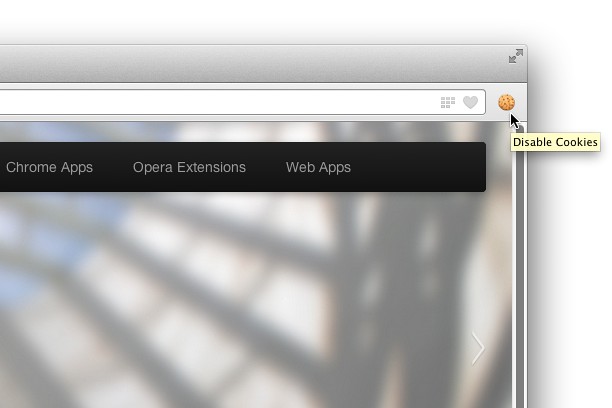
螢幕截圖

關於延伸套件
- 下載次數
- 43326
- 分類
- Developer Tools
- 版本
- 1.0.3
- 大小
- 54.1 KB
- Last update
- March 13, 2014
- 使用者授權條款
- Copyright 2014 singleclickapps
- 支援網頁
- http://singleclickapps.com/disable-cookies/
- 原始碼頁面
- https://github.com/SingleClickApps
Related
-

Fontstorage
The simplest extension for identifying and selecting fonts on a website.
-

Web Widgetizer
Web Widgetizer is a extension offering a range of features to enhance browsing. It allows users to create separate Opera windows for specific websites, manage favorite links, customize window dimensions, toggle auto-start, and open links in popup tabs via button click or shortcut (Ctrl + Shift + A). This versatile tool optimizes browsing convenience and efficiency.
-

Shuffle Extension Toolbar
Customize the sequence of extension icons as you like
-

Web Developer
Adds a toolbar button with various web developer tools. The official port of the Web Developer extension for Firefox.
-

Favicon Stealer
Very simple thing for their job