需要 Opera 瀏覽器。
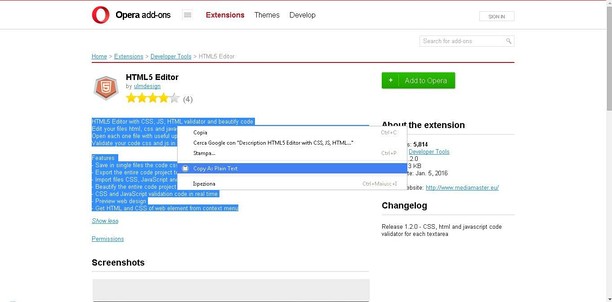
Copy contents, of web pages, as Plain Text with context menu. Select text, using context menu, to complete action: see rapidly preview of content that you want copy in new tab of your browser.
Release 3.0
New Features
* Shows page plain text
* Text editing
* Download page plain text
* Removes all formatting from text
* Removes all advertising to focus only on the content of the text
- 這個延伸套件能存取你所有網站的資料。
- 這個延伸套件能存取你複製/貼上的資料。
- This extension can write data into the clipboard.
螢幕截圖
關於延伸套件
- 下載次數
- 41658
- 分類
- 生產應用
- 版本
- 3.0.0
- 大小
- 7.0 KB
- Last update
- April 14, 2022
- 使用者授權條款
- 提供服務的網站
- https://mediamaster.eu/
- 支援網頁
- https://mediamaster.eu/contatti
Related
-
Кнопка «Пост!» (Postila.ru)
Postila - from Russia with Love!
評分: 評分的總次數: 46
-
Evernote Web Clipper
使用 Evernote 擴充套件,將您在網路上的所見所聞儲存至 Evernote 帳戶。
評分: 評分的總次數: 633
-
Atavi bookmarks
书签与所有的设备和浏览器同步
評分: 評分的總次數: 171
-
Fastest Gmail Notifier
The easiest way to open your Gmail inbox while you browse internet
評分: 評分的總次數: 34
-
Snip Shot
Snip Shot is a user-friendly browser extension that simplifies the process of taking screenshots. With its one-click operation and intuitive user interface, users can quickly and easily capture any part of their screen and save it as an image. Snip Shot's minimalist design makes it a seamless addition to any browser, while its efficiency and usability make it the perfect tool for anyone who needs to take screenshots regularly.
評分: 評分的總次數: 3