


 需要使用 Opera 浏览器。
- 此扩展可访问您在所有网站上的数据。
- 此扩展可访问您在某些网站上的数据。
- 此扩展可访问您的标签和浏览活动。
屏幕截图
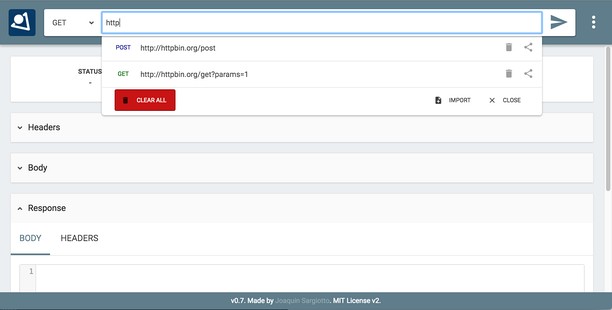


关于此扩展
- 下载次数
- 63051
- 类别
- Developer Tools
- 版本
- 0.7.1
- 大小
- 466.1 KB
- Last update
- July 18, 2022
- 许可证
- 在线支持
- https://github.com/jsargiot/restman
- 源代码
- https://github.com/jsargiot/restman
相关
-

Web Widgetizer
Web Widgetizer is a extension offering a range of features to enhance browsing. It allows users to create separate Opera windows for specific websites, manage favorite links, customize window dimensions, toggle auto-start, and open links in popup tabs via button click or shortcut (Ctrl + Shift + A). This versatile tool optimizes browsing convenience and efficiency.
-

Disable Cookies
Disable cookies for current domain.
-

Edit the Page
Toggles the 'Design Mode' so that you can edit the contents of the page.
-

Web Developer
Adds a toolbar button with various web developer tools. The official port of the Web Developer extension for Firefox.
-

Octotree
GitHub on steroids