需要使用 Opera 浏览器。
Use this extension to disable/enable images on the current site.
It's a simple switch: click to disable, click to enable.
It works on "per host" basis and will disable images for the given host (the currently selected tab), not for all hosts.
There are some options available, but basically, the extension does just that and nothing more.
- 此扩展可操控用于指定网站是否可以使用 cookie、JavaScript 和插件等功能的设置
- 此扩展可访问您的标签和浏览活动。
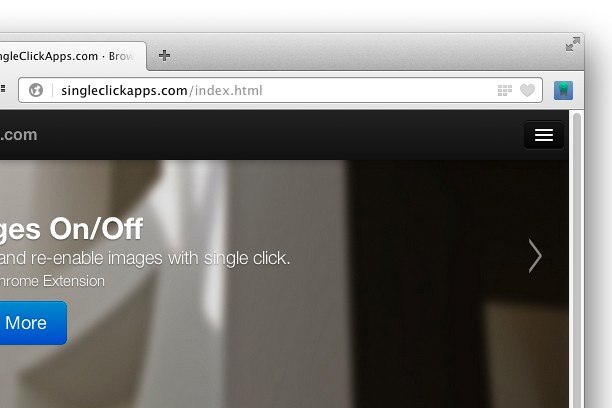
屏幕截图
关于此扩展
- 下载次数
- 38977
- 类别
- 效率
- 版本
- 2.0.0
- 大小
- 46.9 KB
- Last update
- July 6, 2017
- 许可证
- Copyright 2017 singleclickapps
- 在线支持
- http://singleclickapps.com/images-on-off/
- 源代码
- https://github.com/SingleClickApps
相关
-
Atavi bookmarks
书签与所有的设备和浏览器同步
评分: 总评分次数: 173
-
Set password for your browser ( Opera lock )
This extension will allow users to set password for the browser to avoid unauthorized access. Prompts for password on opera startup
评分: 总评分次数: 153
-
Evernote Web Clipper
使用Evernote扩展程序一键保存精彩网页内容到Evernote帐户。
评分: 总评分次数: 623
-
Snip Shot
Snip Shot is a user-friendly browser extension that simplifies the process of taking screenshots. With its one-click operation and intuitive user interface, users can quickly and easily capture any part of their screen and save it as an image. Snip Shot's minimalist design makes it a seamless addition to any browser, while its efficiency and usability make it the perfect tool for anyone who needs to take screenshots regularly.
评分: 总评分次数: 3
-
Tab to Window
Pull out current tab to a new window
评分: 总评分次数: 11