


 Kailangan ang browser ng Opera.
- Ma-a-access ng extension na ito ang iyong data sa lahat ng website.
Mga screenshot

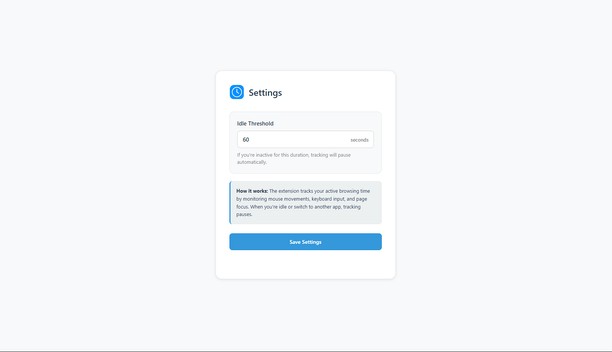
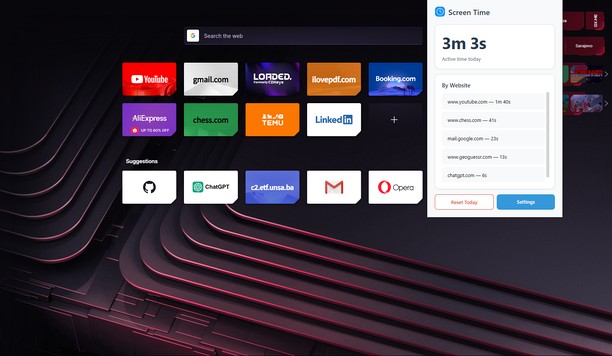
Tungkol sa extension
- Mga download
- 802
- Kategorya
- Pagiging produktibo
- Bersyon
- 0.2.1
- Laki
- 30.7 KB
- Last update
- Dec. 12, 2025
- Lisensya
- Patakaran ng Pagkapribado
- Pahina ng suporta
- https://github.com/KerimSikalo/ScreenTimeOperaExtension/issues
- Pahina ng source code
- https://github.com/KerimSikalo/ScreenTimeOperaExtension
Related
-

Date Today
The best clock to see the current day and time at a glance, with an option to display a digital clock.
-

ProSkills
ProSkills is a website that shares instructional articles using tools:powerpoint
-

Bookmarks by the Side
A simple bookmarks sidebar.
-

Boomerang for Gmail™
Allows you to schedule messages to be sent or returned at a later date.
-

Evernote Web Clipper
Use the Evernote extension to save things you see on the web into your Evernote account.