


 Kailangan ang browser ng Opera.
- Ma-a-access ng extension na ito ang iyong data sa lahat ng website.
Mga screenshot

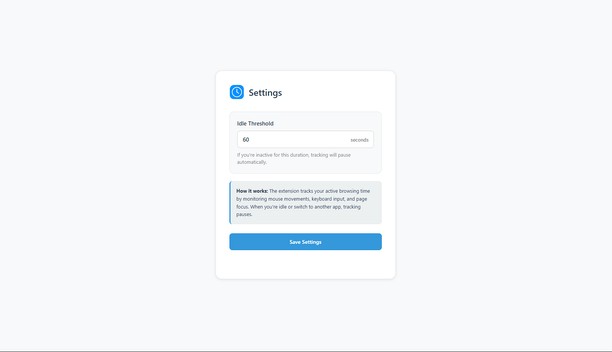

Tungkol sa extension
- Mga download
- 249
- Kategorya
- Pagiging produktibo
- Bersyon
- 0.2.1
- Laki
- 30.7 KB
- Last update
- Dec. 12, 2025
- Lisensya
- Patakaran ng Pagkapribado
- Pahina ng suporta
- https://github.com/KerimSikalo/ScreenTimeOperaExtension/issues
- Pahina ng source code
- https://github.com/KerimSikalo/ScreenTimeOperaExtension
Related
-

Period Formed By Double Space
This extension turns double spaces into period and space.
-

Pink Hanging Wind
Specialty Pink Hanging Wind Dalat
-

Atavi bookmarks
Visual bookmarks, bookmarks sync across various browsers and absolute safety for your bookmarks
-

Evernote Web Clipper
Use the Evernote extension to save things you see on the web into your Evernote account.
-

Badge Checker for Gmail™
Shows badge notification for unread emails (supports multi-account)