Kailangan ang browser ng Opera.
This extension provides the ability to define mouse gestures that will run specific actions in your browser.
A mouse gesture can be drawn by moving your mouse cursor with the right mouse button pressed inside your browse window. In settings you can attach a mouse gesture with the specific action.
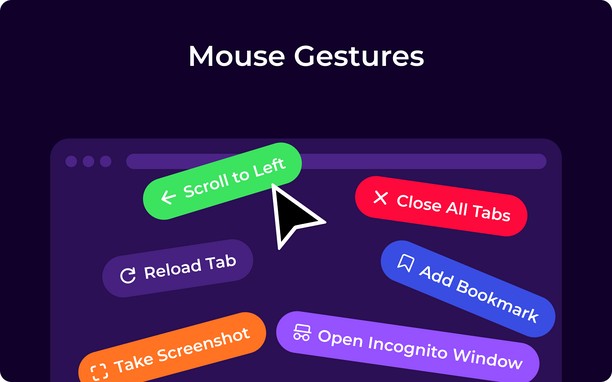
The list of actions possible to attach to mouse gestures:
- Go Back
- Go Forward
- Open New Tab
- Close Current Tab
- Reload Current Tab
- Switch to Left Tab
- Switch to Right Tab
- Close Window
- Minimize Window
- Scroll to Top
- Scroll to Bottom
- Reopen Tab
- Duplicate Tab
- Open New Window
- Search Highlighted Text
- Close Tabs to the Right
Other settings:
- Line color
- Line width
It works only in Windows operating system.
- Ma-a-access ng extension na ito ang iyong data sa lahat ng website.
Mga screenshot
Tungkol sa extension
- Mga download
- 4437
- Kategorya
- Pagiging produktibo
- Bersyon
- 0.7.0
- Laki
- 974.2 KB
- Last update
- April 30, 2025
- Lisensya
- Copyright 2025 mousegesture
Related
-
PageExpand
All Image Download. Image Zoom. Expand Thumbnail and Audio and Video. Expand the short URL. Override Referer. Extend BBS. etc...
Rating: Kabuuang bilang ng mga rating: 34
-
Grammar and Spell Checker - LanguageTool
Instantly Enhance Your Texts with LanguageTool’s Grammar Checker and Paraphrasing Tool
Rating: Kabuuang bilang ng mga rating: 1363
-
Atavi bookmarks
Visual bookmarks, bookmarks sync across various browsers and absolute safety for your bookmarks
Rating: Kabuuang bilang ng mga rating: 171
-
Date Today
The best clock to see the current day and time at a glance, with an option to display a digital clock.
Rating: Kabuuang bilang ng mga rating: 70
-
Evernote Web Clipper
Use the Evernote extension to save things you see on the web into your Evernote account.
Rating: Kabuuang bilang ng mga rating: 603