


 Kailangan ang browser ng Opera.
- This extension can write data into the clipboard.
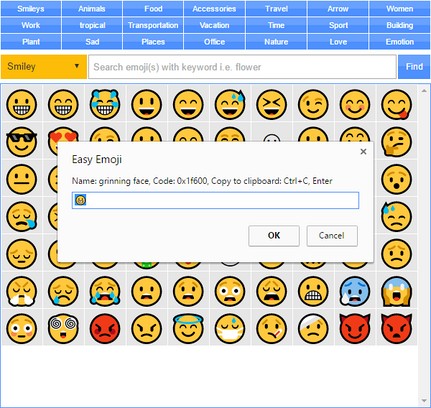
Mga screenshot

Tungkol sa extension
- Mga download
- 16479
- Kategorya
- Social
- Bersyon
- 0.1.3
- Laki
- 52.9 KB
- Last update
- Aug. 2, 2019
- Lisensya
- Copyright 2019 moristong
- Pahina ng suporta
- http://mybrowseraddon.com/easy-emoji.html
Related
-

Gmail Compose
Associates mailto links in web pages with Gmail.
-

Сменить фон в vk.com PRO
Сменить Фон ВКонтакте в пару кликов
-

Remark
Uncensored Comments, anywhere.
-

Link for Tinder
Best App for Tinder. Have fun, like, super-like, chat and find new and interesting people near you.
-

Tip Calculator
Calcuate tip by percent of amount, split it among people or calculate tip precent given final amount