


 Kailangan ang browser ng Opera.
- Ma-a-access ng extension na ito ang iyong data sa lahat ng website.
- Ma-a-access ng extension na ito ang iyong data na kinopya at na-paste mo.
- This extension can write data into the clipboard.
Mga screenshot
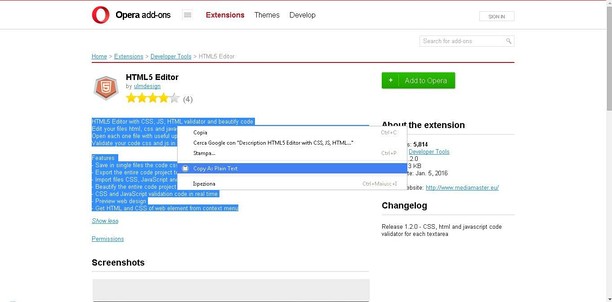

Tungkol sa extension
- Mga download
- 43407
- Kategorya
- Pagiging produktibo
- Bersyon
- 3.0.0
- Laki
- 7.0 KB
- Last update
- April 14, 2022
- Lisensya
- Website ng serbisyo
- https://mediamaster.eu/
- Pahina ng suporta
- https://mediamaster.eu/contatti
Related
-

Evernote Web Clipper
Use the Evernote extension to save things you see on the web into your Evernote account.
-

Textbox Auto Resizer
Automatically resizes input fields and textareas while you're typing
-

Dcurrency
Currency rates on web pages
-

Yaware.TimeTracker Url Monitor
Time Tracker unit for monitoring URL in browsers
-

Atavi bookmarks
Visual bookmarks, bookmarks sync across various browsers and absolute safety for your bookmarks