


 Kailangan ang browser ng Opera.
- Ma-a-access ng extension na ito ang iyong data sa lahat ng website.
- Ma-a-access ng extension na ito ang aktibidad ng iyong mga tab at pagba-browse.
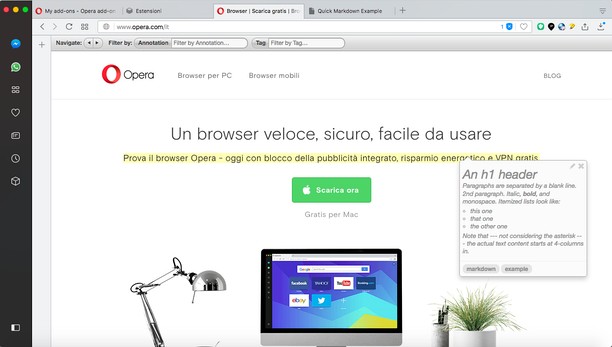
Mga screenshot


Tungkol sa extension
- Mga download
- 27055
- Kategorya
- Pagiging produktibo
- Bersyon
- 1.2.1
- Laki
- 139.5 KB
- Last update
- April 14, 2022
- Lisensya
- Website ng serbisyo
- https://annotatorjs.org/
- Pahina ng suporta
- https://mediamaster.eu/contatti
Related
-

Scroll to Top
Just a scroll to top button
-

Github Original Streak
Re-builds former current and longest streaks on Github profiles
-

Notifier for Outlook™
The easiest way to check and open your Outlook inbox while you browse internet.
-

Evernote Web Clipper
Use the Evernote extension to save things you see on the web into your Evernote account.
-

Atavi bookmarks
Visual bookmarks, bookmarks sync across various browsers and absolute safety for your bookmarks