


 จำเป็นต้องมี เบราเซอร์ Opera
- This extension can create rich notifications and display them to you in the system tray.
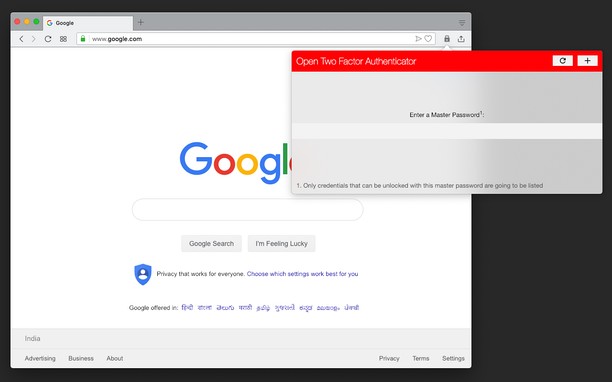
สกรีนช็อต

เกี่ยวกับส่วนขยาย
- ดาวน์โหลด
- 34,553
- หมวดหมู่
- ความเป็นส่วนตัวและความปลอดภัย
- เวอร์ชัน
- 0.3.3
- ขนาด
- 256.8 KB
- Last update
- 14 พฤศจิกายน 2024
- ใบอนุญาต
- Copyright 2024 inbasic
- เว็บไซต์การบริการ
- https://webextension.org/listing/two-factor-authenticator.html
- หน้าการสนับสนุน
- https://webextension.org/listing/two-factor-authenticator.html
- หน้าซอร์สโค้ด
- https://github.com/inbasic/open-two-factor-authenticator/
Related
-

uBlock Origin
Finally, an efficient blocker. Easy on CPU and memory.
-

Don't track me Google
Removes the annoying link-conversion at Google Search/maps/...
-

LastPass
LastPass is an award-winning password manager for secure credential management on any device.
-

MD5 Lock - Password Securer
Secure your passwords.
-

Server IP
Displays server IP address on every website