


 จำเป็นต้องมี เบราเซอร์ Opera
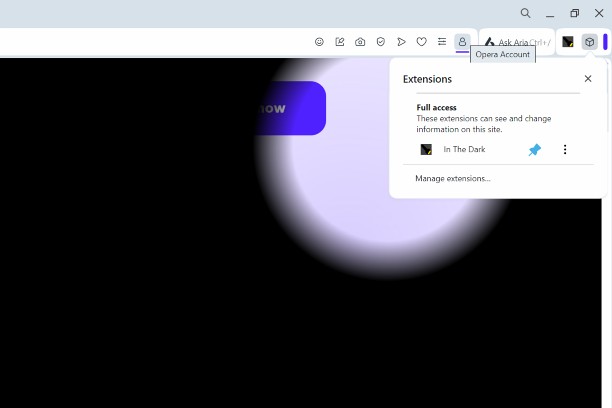
สกรีนช็อต

เกี่ยวกับส่วนขยาย
- ดาวน์โหลด
- 3,892
- หมวดหมู่
- รูปลักษณ์
- เวอร์ชัน
- 1.4.1
- ขนาด
- 12.5 KB
- Last update
- 21 พฤษภาคม 2025
- ใบอนุญาต
- Copyright 2025 a869c675-516a-4870-a8d1-dc2c784216f3
Related
-

Screensaver
A screen saver for Opera.
-

Neon Everywhere — Universal Dark Theme
Transform any website into a sleek neon dark-mode with particles, cursor FX, and per-site control.
-

Ink for Google™
Get your favourite Google sites a new coat of paint. Update their look with Material Design
-

Auto Dark Theme for Feedly
Make Feedly automatically match your system's dark/light theme.
-

Googley Styles for Rizzoma
Change the Rizzoma interface to look like Gmail and other Google apps (a.k.a. Kennedy design).