


 จำเป็นต้องมี เบราเซอร์ Opera
- ส่วนขยายนี้สามารถควบคุมการตั้งค่าที่ระบุว่า เว็บไซต์จะสามารถใช้คุณสมบัติเช่น คุกกี้ JavaScript และปลั๊กอินต่างๆ ได้หรือไม่
- ส่วนขยายนี้สามารถเข้าถึงแท็บและกิจกรรมการท่องเว็บของคุณ
สกรีนช็อต
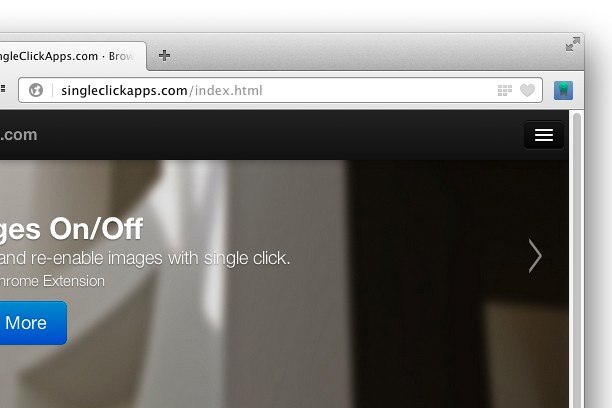

เกี่ยวกับส่วนขยาย
- ดาวน์โหลด
- 39,147
- หมวดหมู่
- ประสิทธิภาพ
- เวอร์ชัน
- 2.0.0
- ขนาด
- 46.9 KB
- Last update
- 6 กรกฎาคม 2017
- ใบอนุญาต
- Copyright 2017 singleclickapps
- หน้าการสนับสนุน
- http://singleclickapps.com/images-on-off/
- หน้าซอร์สโค้ด
- https://github.com/SingleClickApps
Related
-

Ozon.Ru Кнопка
-

Language Transliteration
Language Transliteration - Type in your own language
-

Evernote Web Clipper
ใช้ส่วนขยาย Evernote เพื่อบันทึกสิ่งต่างๆ ที่คุณเห็นบนเว็บลงในบัญชี Evernote ของคุณ
-

IP to Number
Convert IP Address (v4) to Numbers like decimal, hexadecimal, octal and binary. Also, converts valid (IP) number to IP address
-

Boomerang for Gmail™
Allows you to schedule messages to be sent or returned at a later date.