Webbläsaren Opera krävs.
Mirrors video vertically and horizontally, speeds up or slows down, rotates by 90°, and compresses video height and width — useful for correcting distorted videos on websites.
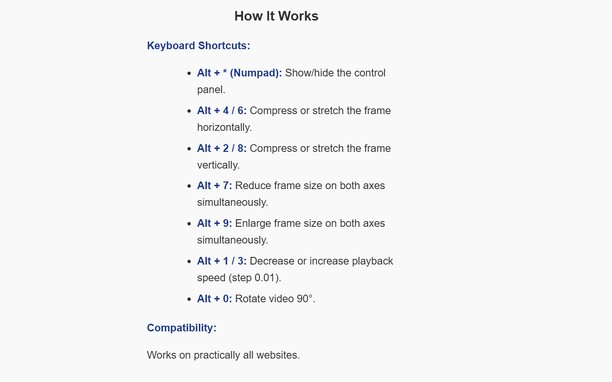
How It Works
Keyboard Shortcuts:
Alt + * (Numpad): Show/hide the control panel.
Alt + 4 / 6: Compress or stretch the frame horizontally.
Alt + 2 / 8: Compress or stretch the frame vertically.
Alt + 7: Reduce frame size on both axes simultaneously.
Alt + 9: Enlarge frame size on both axes simultaneously.
Alt + 1 / 3: Decrease or increase playback speed (step 0.01).
Alt + 0: Rotate video 90°.
Compatibility:
Works on practically all websites.
- Tillägget kan få tillgång till data på alla webbplatser.
Skärmbilder
Om tillägget
- Hämtningar
- 23
- Kategori
- Produktivitet
- Version
- 1.0.0
- Storlek
- 15,7 kB
- Last update
- 13 januari 2026
- Licens
- Sekretesspolicy
Related
-
Atavi bookmarks
Visuella bokmärken, bokmärkena synkas över flera webbläsare med fullkomlig säkerhet
Betyg: Totalt antal betyg: 173
-
Cars show
A Journey Through Automotive Excellence
Betyg: Totalt antal betyg: 5
-
Centro 365
A better way to manage Microsoft 365
Betyg: Totalt antal betyg: 1
-
Image Size Converter
Image Size Converter is a powerful yet user-friendly Opera extension that allows you to quickly resize images right in your browser. With an elegant interface and intuitive controls, you can modify image dimensions, choose output formats, and adjust quality settings with just a few clicks - all without relying on external websites or applications.
Betyg: Totalt antal betyg: 1
-
Evernote Web Clipper
Använd Evernote-tillägget för att spara saker du ser på webben till Evernotekontot.
Betyg: Totalt antal betyg: 636