


 Webbläsaren Opera krävs.
Skärmbilder

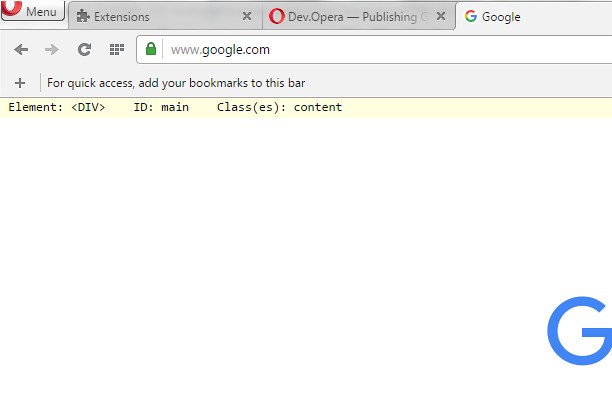

Om tillägget
- Hämtningar
- 7 076
- Kategori
- Developer Tools
- Version
- 1.1
- Storlek
- 8,9 kB
- Last update
- 4 maj 2016
- Licens
- Copyright 2016 freginold
Related
-

Web Developer
Adds a toolbar button with various web developer tools. The official port of the Web Developer extension for Firefox.
-

DomainUserAgent
This extension changes the UserAgent sent by your browser on a per-domain base. You can set up a different UserAgent for a specific domain, but still use the default one otherwise.
-

Selenium Page Object Generator
A nimble and flexible Selenium Page Object Model generator to improve agile testing process velocity.
-

W3DNA
Type '*' plus press "space" and a search term into the Omnibox to open search in new tab.
-

Web Widgetizer
Web Widgetizer is a extension offering a range of features to enhance browsing. It allows users to create separate Opera windows for specific websites, manage favorite links, customize window dimensions, toggle auto-start, and open links in popup tabs via button click or shortcut (Ctrl + Shift + A). This versatile tool optimizes browsing convenience and efficiency.