


 Webbläsaren Opera krävs.
- Tillägget kan få tillgång till data på alla webbplatser.
- This Extension can read and modify bookmarks.
- Tillägget kan få tillgång till dina flikar och din webbläsaraktivitet.
Skärmbilder

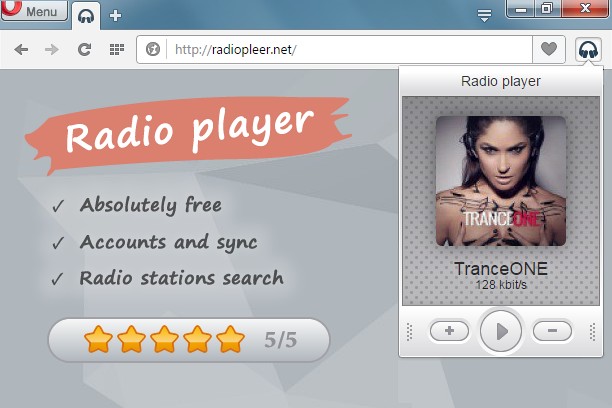

Om tillägget
- Hämtningar
- 45 721
- Kategori
- Musik
- Version
- 1.0.7
- Storlek
- 77,4 kB
- Last update
- 11 juli 2016
- Licens
- Sekretesspolicy
- Servicewebbplats
- http://radiopleer.net/
- Supportsida
- http://radiopleer.net/feedback
Related
-

Advanced Audio Equalizer
Enhance your online audio experience with the Advanced Audio Equalizer. Fine-tune your tab audio in real-time
-

Theater Mode for YouTube™
Forces YouTube to open the player in the theater mode (full-width mode) even if you are logged out
-

WEZY-DB Late Night Easy
Listen WEZY-DB Late Night Easy with Opera Browser.
-

Send to Media Player Classic (MPC-HC)
Send media stream links from current tab to Media Player Classic (MPC-HC)
-

Send to MPlayer media player
Send media stream links from current tab to MPlayer media player