


 Požaduje sa prehliadač Opera.
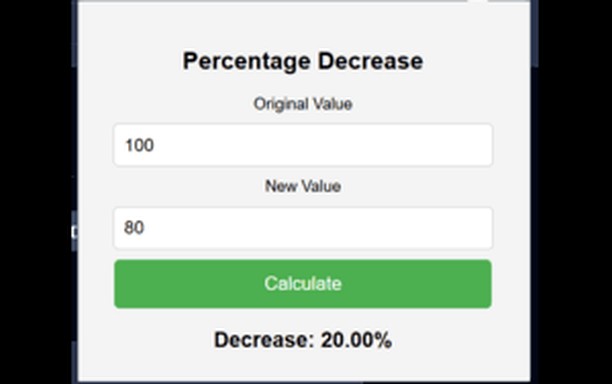
Snímka
Informácie o rozšírení
- Počet stiahnutí
- 1 196
- Kategória
- Produktivita
- Verzia
- 1.0
- Veľkosť
- 26,8 KB
- Last update
- 19. marec 2026
- Licencia
- Copyright 2026 b1e2c613-5c37-4e89-881a-a448c9dd0c4d
- Zásady ochrany osobných údajov
- Webová lokalita služby
- https://percentagedecreasecalculator.com/
- Stránka podpory
- https://percentagedecreasecalculator.com/contact/
Related
-

GOOGLE APPS
All google web apps with a single click
-

Calculator
Visually appealing simple calculator! can be used with mouse or keyboard
-

Evernote Web Clipper
Use the Evernote extension to save things you see on the web into your Evernote account.
-

Boomerang for Gmail™
Allows you to schedule messages to be sent or returned at a later date.
-

Snip Shot
Snip Shot is a user-friendly browser extension that simplifies the process of taking screenshots. With its one-click operation and intuitive user interface, users can quickly and easily capture any part of their screen and save it as an image. Snip Shot's minimalist design makes it a seamless addition to any browser, while its efficiency and usability make it the perfect tool for anyone who needs to take screenshots regularly.