


 Požaduje sa prehliadač Opera.
- This extension can write data into the clipboard.
- Toto rozšírenie má prístup k vašim listom a aktivite prehliadania.
Snímky


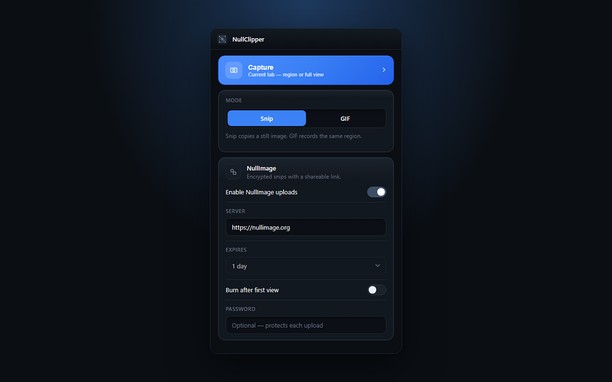
Informácie o rozšírení
- Počet stiahnutí
- 52
- Kategória
- Produktivita
- Verzia
- 1.0.0
- Veľkosť
- 148,0 KB
- Last update
- 22. september 2026
- Licencia
- Zásady ochrany osobných údajov
- Webová lokalita služby
- https://nullimage.org/nullclipper
- Stránka podpory
- https://github.com/fleames/NullClipper/issues
- Stránka so zdrojovým kódom
- https://github.com/fleames/NullClipper
Related
-

PayPanther
All-in-one business management software.
-

Калькулятор металла
-

Evernote Web Clipper
Use the Evernote extension to save things you see on the web into your Evernote account.
-

Boomerang for Gmail™
Allows you to schedule messages to be sent or returned at a later date.
-

Open in Private Mode
Open the active tab in a private window via toolbar button or context-menu.