


 Необходим браузер Opera.
- У этого расширения есть доступ к вашим данным на всех сайтах.
- This extension can create rich notifications and display them to you in the system tray.
- У этого расширения есть доступ к вашим вкладкам и действиям в интернете.
Снимки

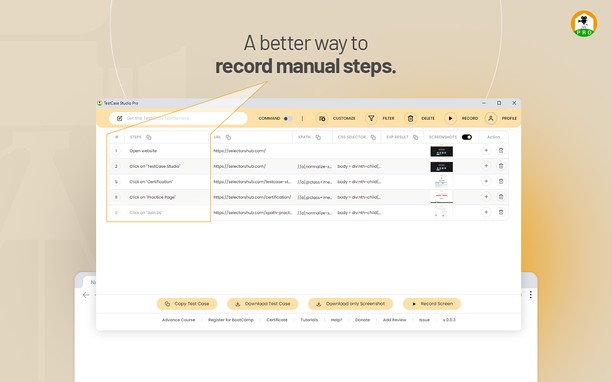


О расширении
- Загрузки
- 150
- Категория
- Инструменты разработчика
- Версия
- 2.1.2
- Размер
- 908,1 КБ
- Обновлено
- 12 июня 2024 г.
- Лицензионное соглашение
- Политика конфиденциальности
- Cайт службы
- https://selectorshub.com/testcase-studio-pro/
- Страница поддержки
- https://www.selectorshub.com
Похожие
-

CSS & JS Injector
Easily customize your browsing experience CSS & JS Injector is a tool for developers, designers, and power users. Apply custom CSS styles and JavaScript to specific websites effortlessly. Boost productivity and customize the look, feel, and functionality of websites without altering its source code.
-

Web Widgetizer
Web Widgetizer is a extension offering a range of features to enhance browsing. It allows users to create separate Opera windows for specific websites, manage favorite links, customize window dimensions, toggle auto-start, and open links in popup tabs via button click or shortcut (Ctrl + Shift + A). This versatile tool optimizes browsing convenience and efficiency.
-

Web Developer
Adds a toolbar button with various web developer tools. The official port of the Web Developer extension for Firefox.
-

W3C Markup Validation Service
This validator checks the markup validity of Web documents in HTML, XHTML, SMIL, MathML, etc.
-

Wayback machine website
Online service that have 452 billion web pages saved over time and who is domain tool in context menu