


 Необходим браузер Opera.
- This extension can exchange messages with programs other than Opera.
- This extension can create rich notifications and display them to you in the system tray.
- У этого расширения есть доступ к вашим вкладкам и действиям в интернете.
Снимки

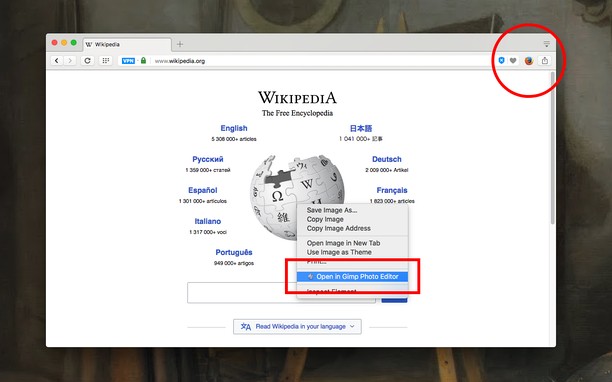
О расширении
- Загрузки
- 10 036
- Категория
- Продуктивная работа
- Версия
- 0.5.9
- Размер
- 156,6 КБ
- Обновлено
- 11 февраля 2025 г.
- Лицензионное соглашение
- Copyright 2025 andy-portmen
- Cайт службы
- https://webextension.org/listing/external-application-button.html
- Страница поддержки
- https://webextension.org/listing/external-application-button.html
- Страница исходного кода
- https://github.com/andy-portmen/external-application-button/
Похожие
-

Atavi bookmarks
Визуальные закладки, надежная сохранность и синхронизация закладок между браузерами
-

Evernote Web Clipper
Используйте расширение Evernote, чтобы сохранять интересные материалы из Интернета прямо в свой аккаунт Evernote.
-

Percentage Decrease Calculator
Quickly calculate the percentage decrease between two numbers directly from your browser.
-

Video Recorder
Easily record video & audio from your computer's camera!
-

GPT fullscreen
Chat GPT Style for better screen usage.