


 Необходим браузер Opera.
- This extension can exchange messages with programs other than Opera.
- This extension can create rich notifications and display them to you in the system tray.
Снимки

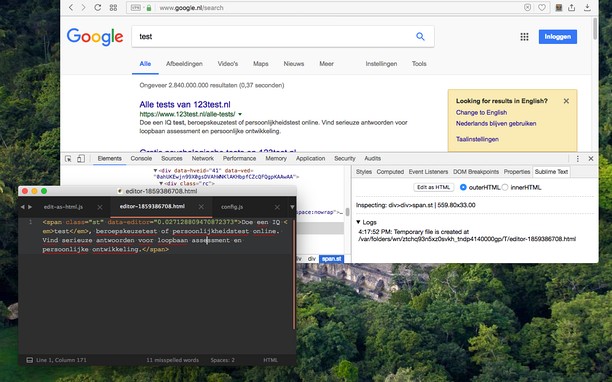
О расширении
- Загрузки
- 5 524
- Категория
- Инструменты разработчика
- Версия
- 0.2.3
- Размер
- 185,5 КБ
- Обновлено
- 24 августа 2022 г.
- Лицензионное соглашение
- Copyright 2022 joe-ertaba
- Cайт службы
- https://add0n.com/edit-as-html.html?from=sublime
- Страница поддержки
- https://add0n.com/edit-as-html.html?from=sublime
- Страница исходного кода
- https://github.com/belaviyo/edit-as-html/
Похожие
-

Strike Out Nofollow Links
Just strikes out nofollow links via CSS3 selectors.
-

My IP Address Checker: Test IP + IPv6 + VPN
Displays IP address info and details like location + VPN usage when clicking on the IP button
-

Web Developer
Adds a toolbar button with various web developer tools. The official port of the Web Developer extension for Firefox.
-

Web Widgetizer
Web Widgetizer is a extension offering a range of features to enhance browsing. It allows users to create separate Opera windows for specific websites, manage favorite links, customize window dimensions, toggle auto-start, and open links in popup tabs via button click or shortcut (Ctrl + Shift + A). This versatile tool optimizes browsing convenience and efficiency.
-

CryptoPro Extension for CAdES Browser Plug-in
Расширение позволяет использовать ЭЦП Browser plugin в браузере. Для работы требует установленного ЭЦП Browser plugin.