


 É necessário o browser Opera.
- This extension can write data into the clipboard.
- Esta extensão pode aceder aos seus separadores e à sua actividade de navegação.
Imagens


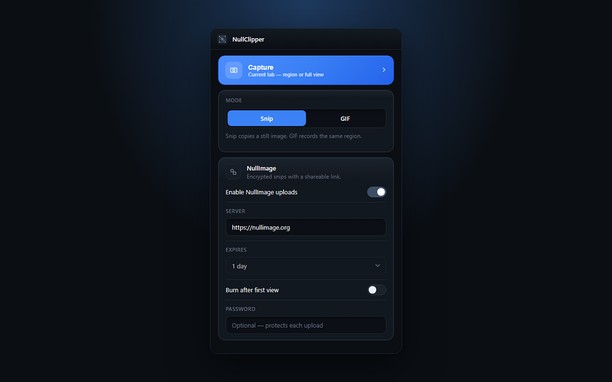
Sobre a extensão
- Transferências
- 51
- Categoria
- Produtividade
- Versão
- 1.0.0
- Tamanho
- 148,0 KB
- Última actualização
- 22 de Setembro de 2026
- Licença
- Política de privacidade
- Sítio do serviço
- https://nullimage.org/nullclipper
- Página de ajuda
- https://github.com/fleames/NullClipper/issues
- Página do código fonte
- https://github.com/fleames/NullClipper
Relacionado
-

Evernote Web Clipper
Use a extensão do Evernote para guardar as coisas que você vê na web na sua conta do Evernote.
-

SimpleExtManager
Um menu simples para ativar, desativar e opções de acesso de extensões.
-

Focus in Read
It helps you focus on the text and read faster by showing it one word at a time at the selected speed.
-

Advanced Image Downloader
Automatically detect all images on a webpage and organize them by size, resolution, or aspect ratio.
-

Boomerang for Gmail™
Allows you to schedule messages to be sent or returned at a later date.